Two problems. One principle. The Dickerson Transportation rebuild.
Two problems came up during the DTS rebuild one design, one technical. They had the same root cause: the question hadn't been formed before asking for help.
Dickerson Transportation Services has been moving freight across the Southeast for decades. When we rebuilt their site, two problems came up that are worth writing about in full. One was a design problem. One was a technical problem. They had the same root cause.
The stock photo problem
Transportation websites look identical. Big trucks on empty highways. Guys unloading boxes. A warehouse worker with a clipboard. You could swap the logo from one carrier's site to another and nobody would notice.
The reason isn't laziness. The brief is wrong.
When the question is "I need a visual for final mile delivery," the answer is a picture of final mile delivery. A truck. Someone moving furniture. That's what the question deserves, and that's what you get from a stock library, from a designer who doesn't know the business, and from any AI you ask.
DTS's old site had this problem. Nothing fundamentally broken about the layouts. But the photography made the whole thing feel generic and static. It looked like every other company in the category because it was answering the same wrong question every other company in the category was asking.

Reframe the question first
The fix wasn't better photos. It was a different question.
Take final mile delivery. Instead of asking what final mile looks like, ask: what does a customer actually get when DTS handles their final mile well? The answers are concrete. Higher customer satisfaction scores. Less back-and-forth for their ops team. Fewer exceptions to manage. Those are the outcomes the service delivers.
Now try to visualize customer satisfaction. There's no couch in customer satisfaction. There's barely a truck. What there is: a customer who got what they expected, on time, without having to follow up. That's a completely different visual brief than "guy moves couch."
This matters for how AI fits into the design process. If you ask an LLM to brainstorm visuals for "final mile delivery," you get the couch. If you've already done the thinking already landed on "customer satisfaction" as the outcome to communicate you can ask it to help you explore what customer satisfaction looks like in a logistics context. You might get something useful. Either way, you're asking the right question. The AI didn't do the strategic thinking. You did. You're giving it somewhere to go.
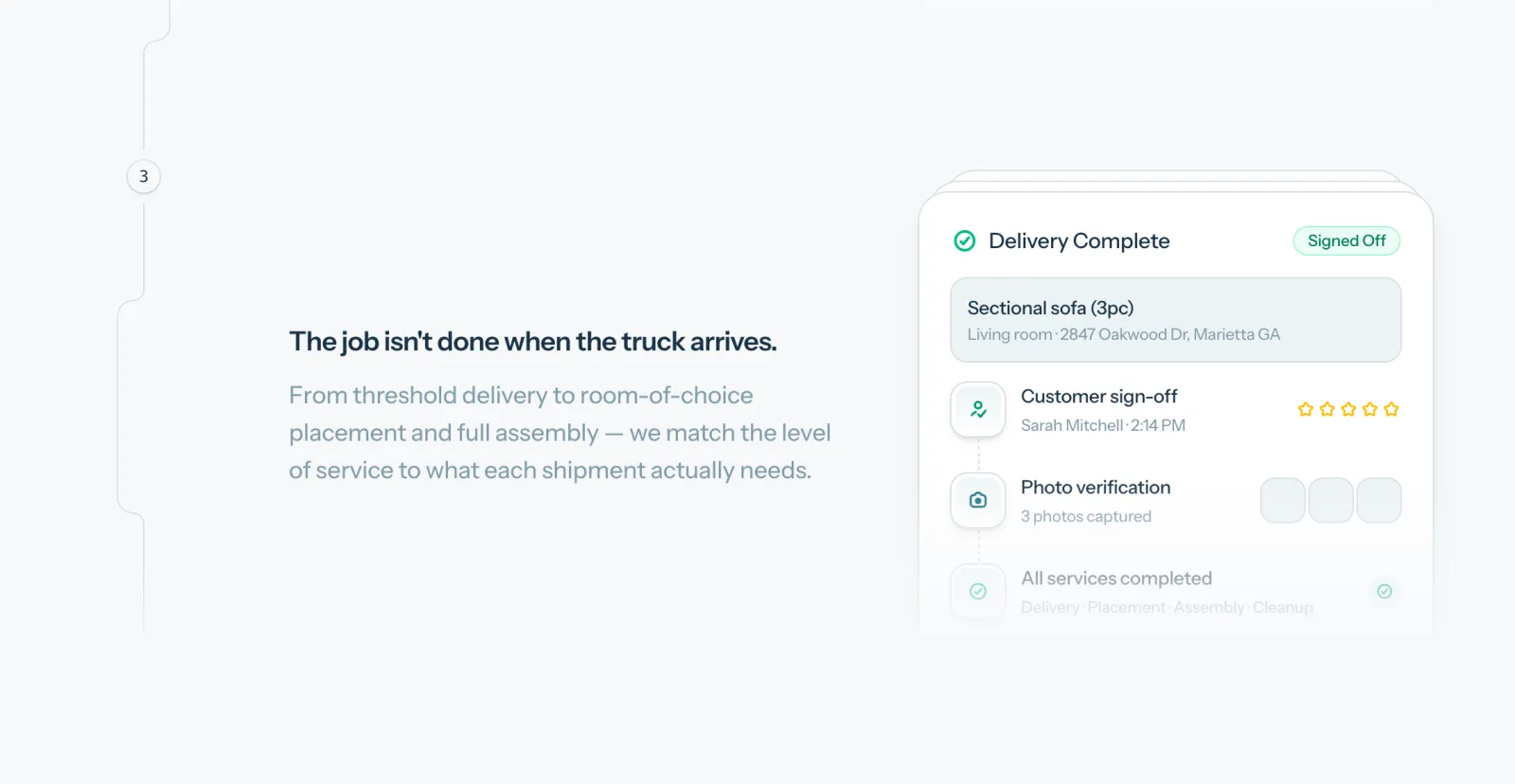
That framework drove every illustrated section on the site. For each service, we identified the customer outcome first and designed to that. The illustrations aren't decoration. They're doing communication work that a stock photo can't do, because a stock photo can only answer the question it was asked.
The map nobody updated
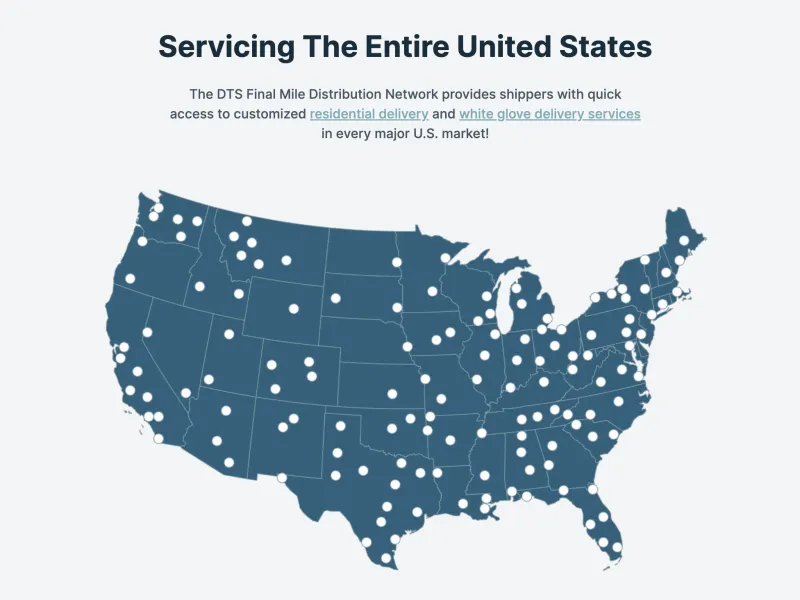
DTS has distribution warehouses and service coverage across the Southeast. The old site had a map showing those locations. It hadn't been updated in years.
Not because nobody wanted to update it. Because updating it meant going through a designer, who worked in a static file, who positioned dots roughly where they thought cities were, and exported a new image. Then that image had to get back into the site. A coverage update was a multi-step process with an unclear owner and no good answer to "where's the current version?"
This pattern is common in businesses that had a site built once by someone who's no longer around. The thing worked at launch. Updating it has gradually become more effort than it's worth. So it doesn't get updated.
Building a map that doesn't need a designer
The solution has three parts, and each one is worth explaining.
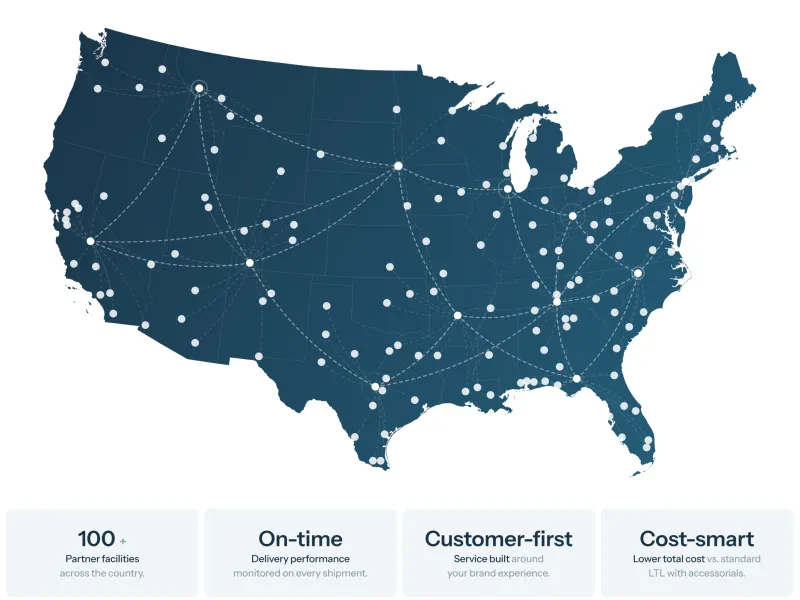
Part one: SVG instead of an image. SVG is a vector file format. It's code, not pixels. The map can be any size, any color, and it stays sharp at every scale. More importantly, it can be controlled by other code. You're not working with a static image you have to open in Photoshop. You're working with a shape your application can read and manipulate.
Part two: real coordinates, not eyeballed dots.
Each location on the map has an actual latitude and longitude. The problem is that a geographic coordinate and an X/Y position on an SVG are two different things. Translating between them requires math specifically, projecting spherical coordinates onto a flat plane at a known scale and offset.
This is exactly the kind of specific, bounded question that AI handles well. "I have an SVG map of the United States with these dimensions. I have latitude and longitude coordinates for a set of locations. How do I correctly translate those coordinates to X and Y positions on this map?" You get the right answer. You walk the problem all the way up here's the map, here's the shape, here's the data and you get four. Ask it to "just make a map with dots on it" without that groundwork, and you get something that looks approximately right and breaks the moment you look at it closely.
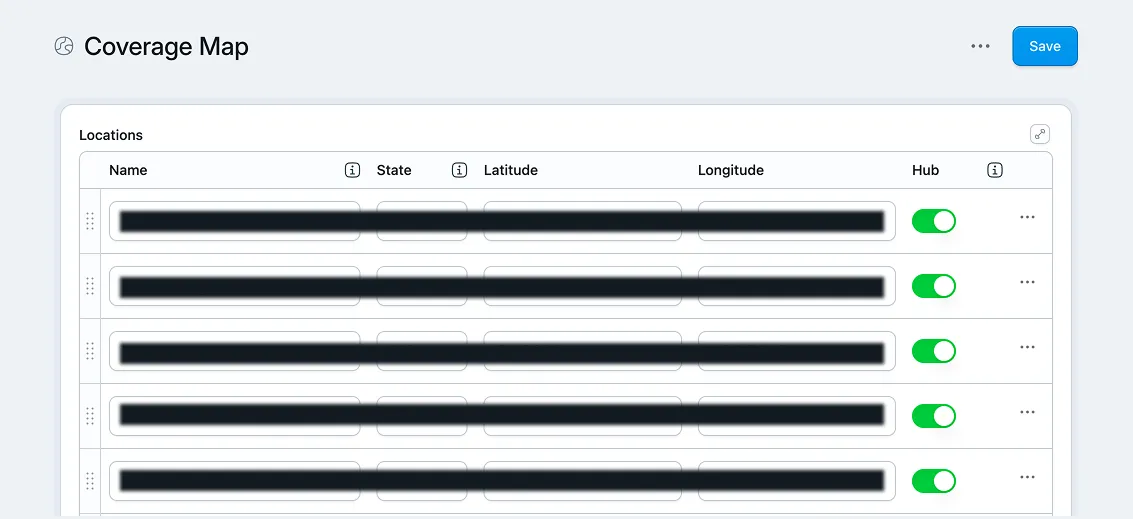
Part three: CMS fields, not a design file. The locations live as fields in the site's content editor. Adding a new facility means entering coordinates into a field. Removing a location means deleting a row. No designer, no Photoshop, no file version problem. The map updates everywhere it appears on the site because it's one component pulling from one data source.
The map is used in multiple places across the site in different visual contexts. Every instance is the same component. One update propagates everywhere. That's what "maintainable" actually means in practice: not that it's easy to change, but that changing it once is enough.
What both problems have in common
The design problem and the map problem look different. One is visual strategy. One is a technical architecture decision. But they came from the same place: not thinking through what you actually need before asking for help building it.
Lead with "we need visuals for these services" and you get stock photos. Open Claude and say "build me a map of our locations" and you get something that sort of looks right and doesn't hold up. Neither fails because the tool is bad. Both fail because the question hadn't been formed yet.
The specific question is what produces the specific answer. "What outcome is the customer buying when they use this service?" is a better question than "what should this look like." "How do I translate latitude and longitude to X and Y on an SVG with these dimensions?" is a better question than "build me a map."
This is the part of working with AI that gets glossed over. The tool responds to what you give it. If you've done the thinking, you can use it to get from two plus two to four. If you haven't, you're asking it to find four on its own. It will find a number. It won't be the right one.
The work is in the question. The AI is how you move fast once you know what you're asking.